Set a password
- Select your name at the bottom of the sidebar, then Profile. On a phone, tap the menu button at the top left, then Settings, then Profile.
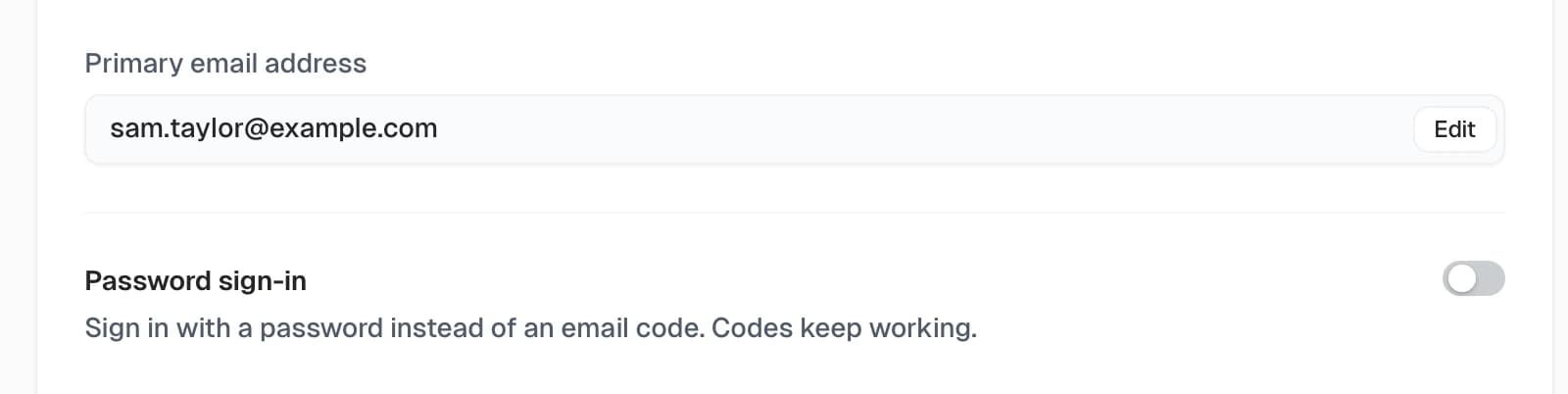
- Under Password sign-in, turn on the switch.
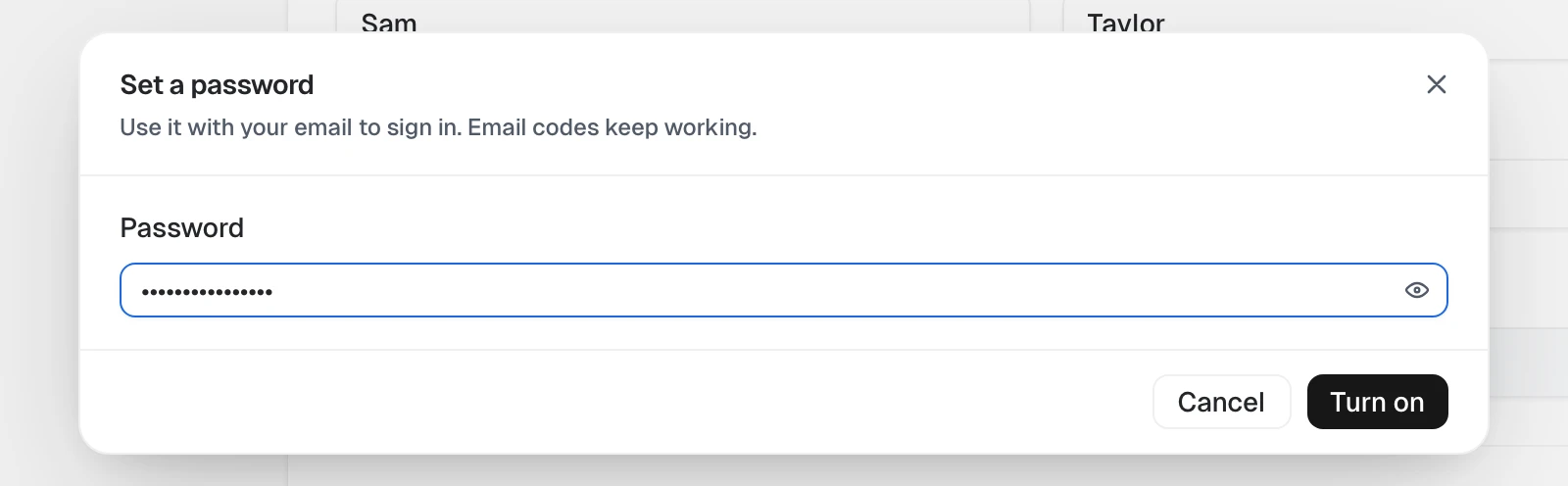
- Enter a password in the Password field, then select Turn on.
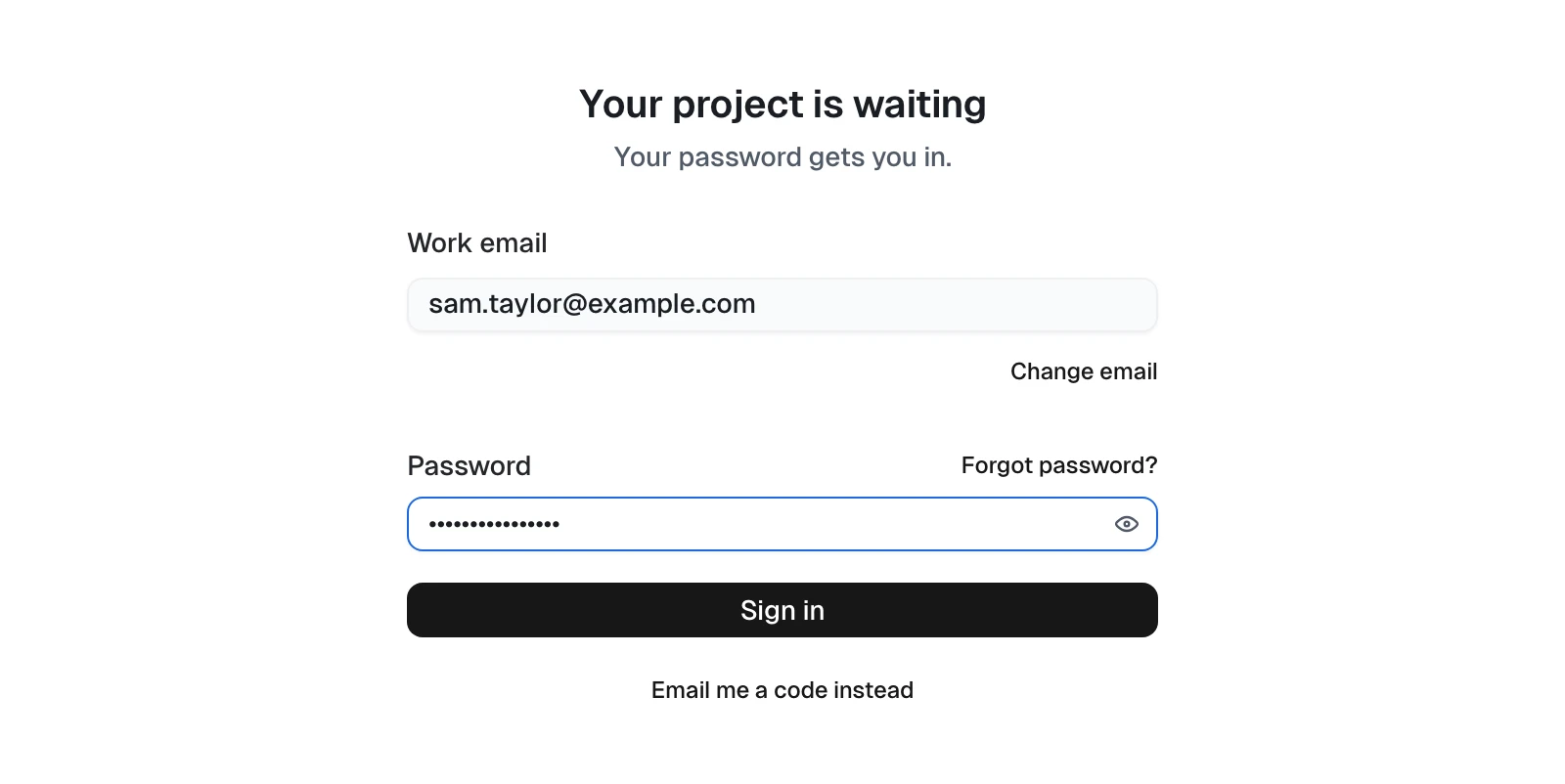
- You'll see Password sign-in is on. Next time you sign in, Tracta asks for your password after your email.

If the password isn't accepted, the reason shows under the field.
Setting up a new account? You can also set one when you finish your profile: select Sign in with a password next time (optional).